Upload a client’s artwork, pick from a catalog of real
promotional products, and get a realistic, share-ready mockup in
seconds — then send one link where they can react, or buy.
Each one starts from the supplier's own photograph of that blank, so the product in the picture is the product they will get.
Placeholder
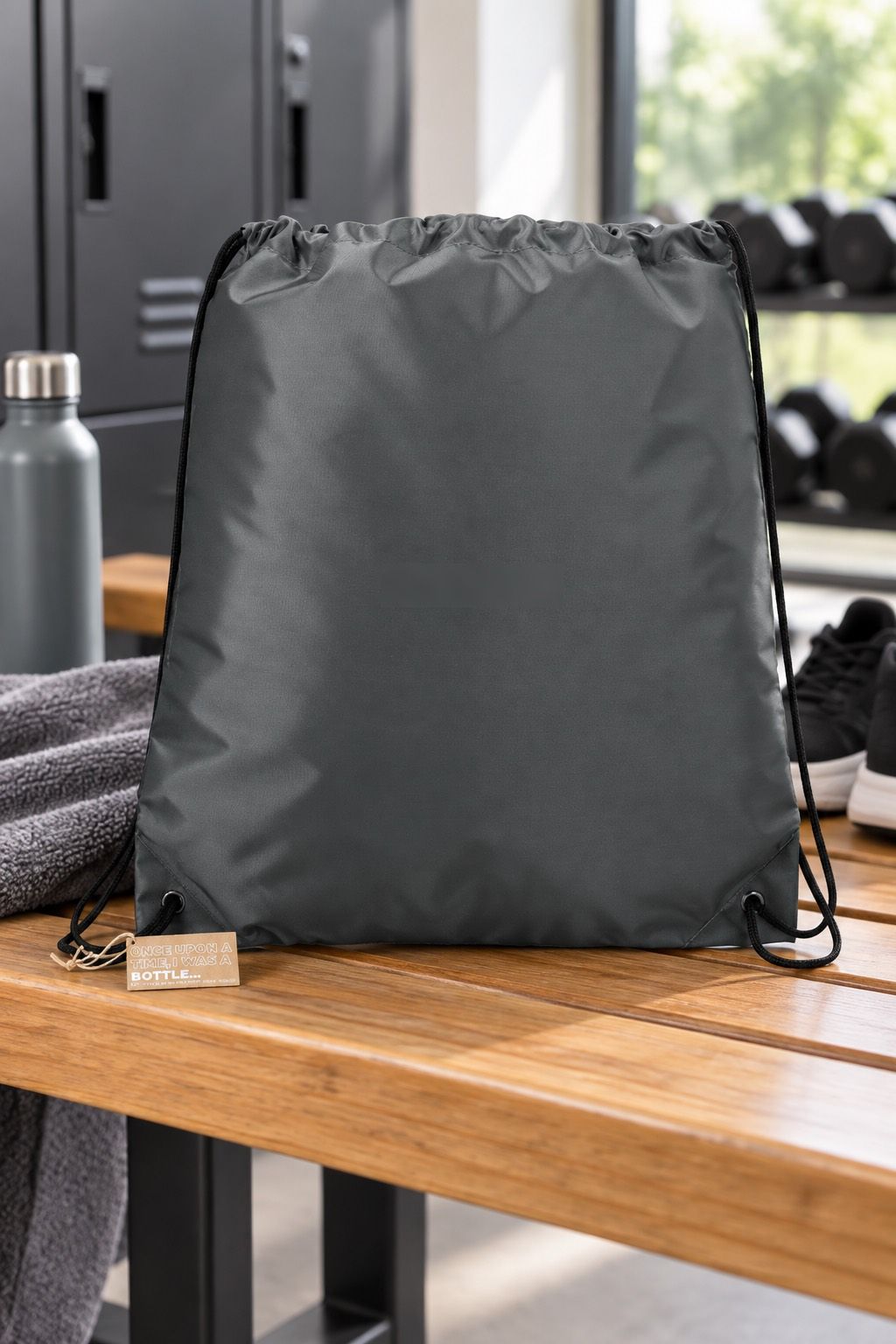
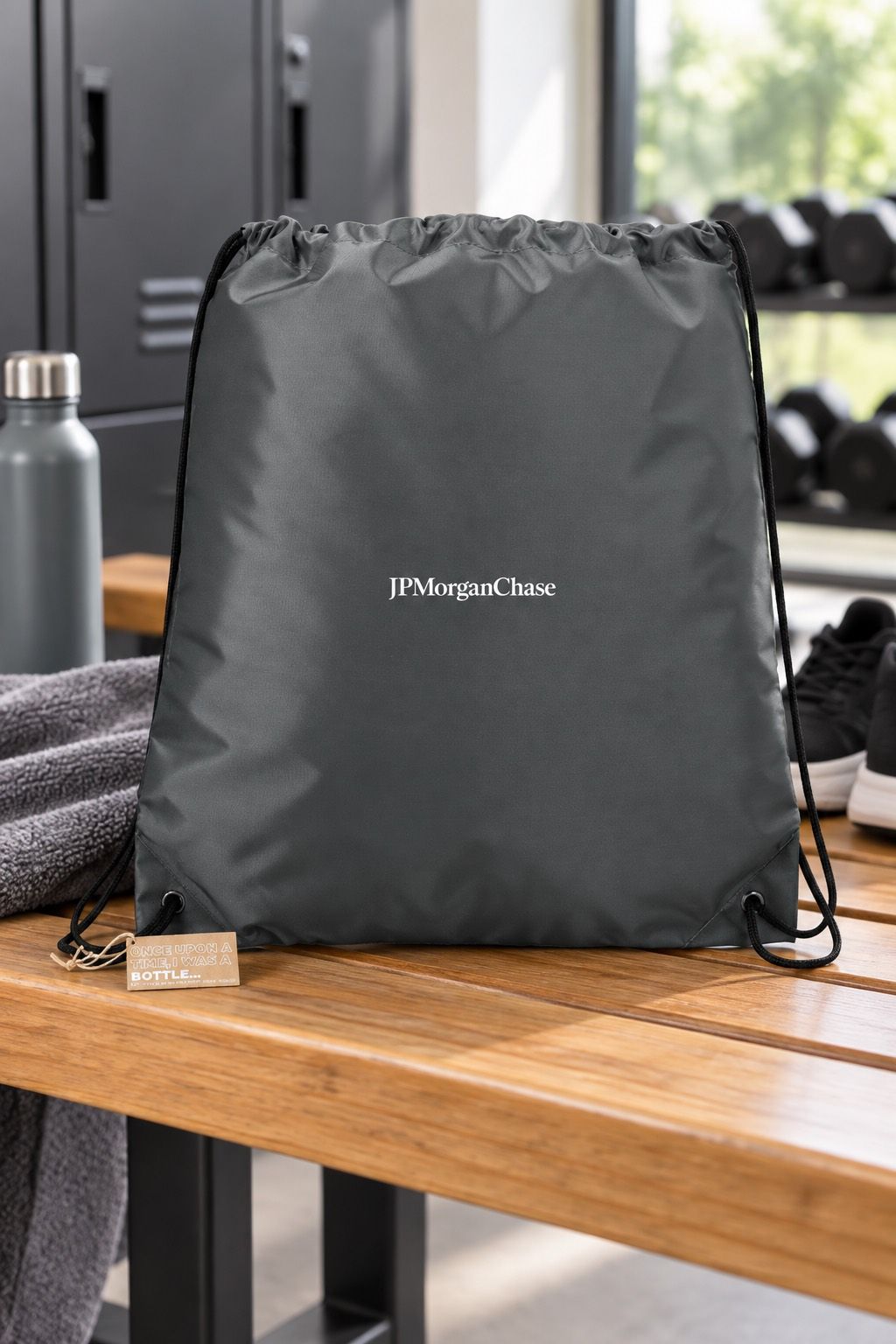
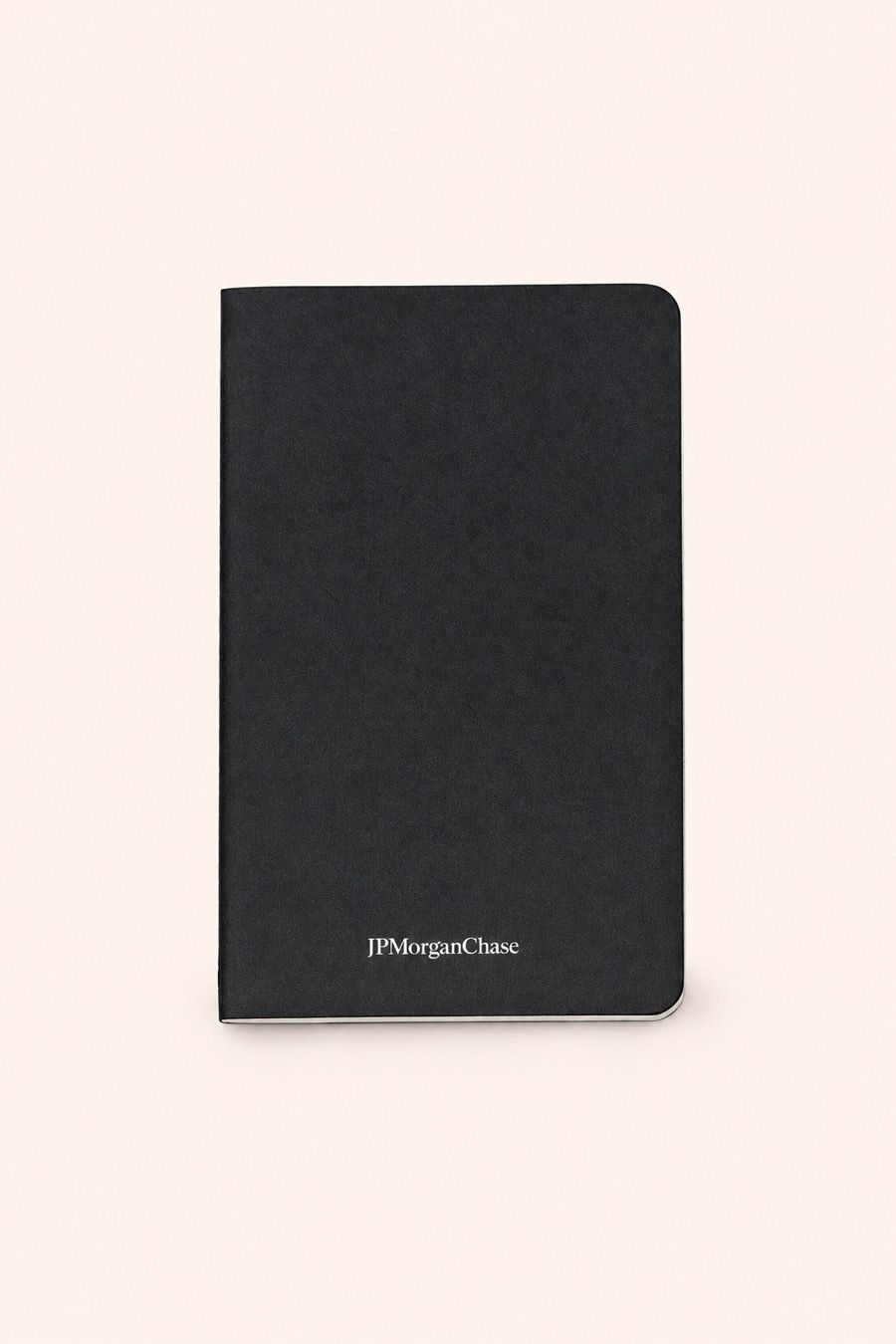
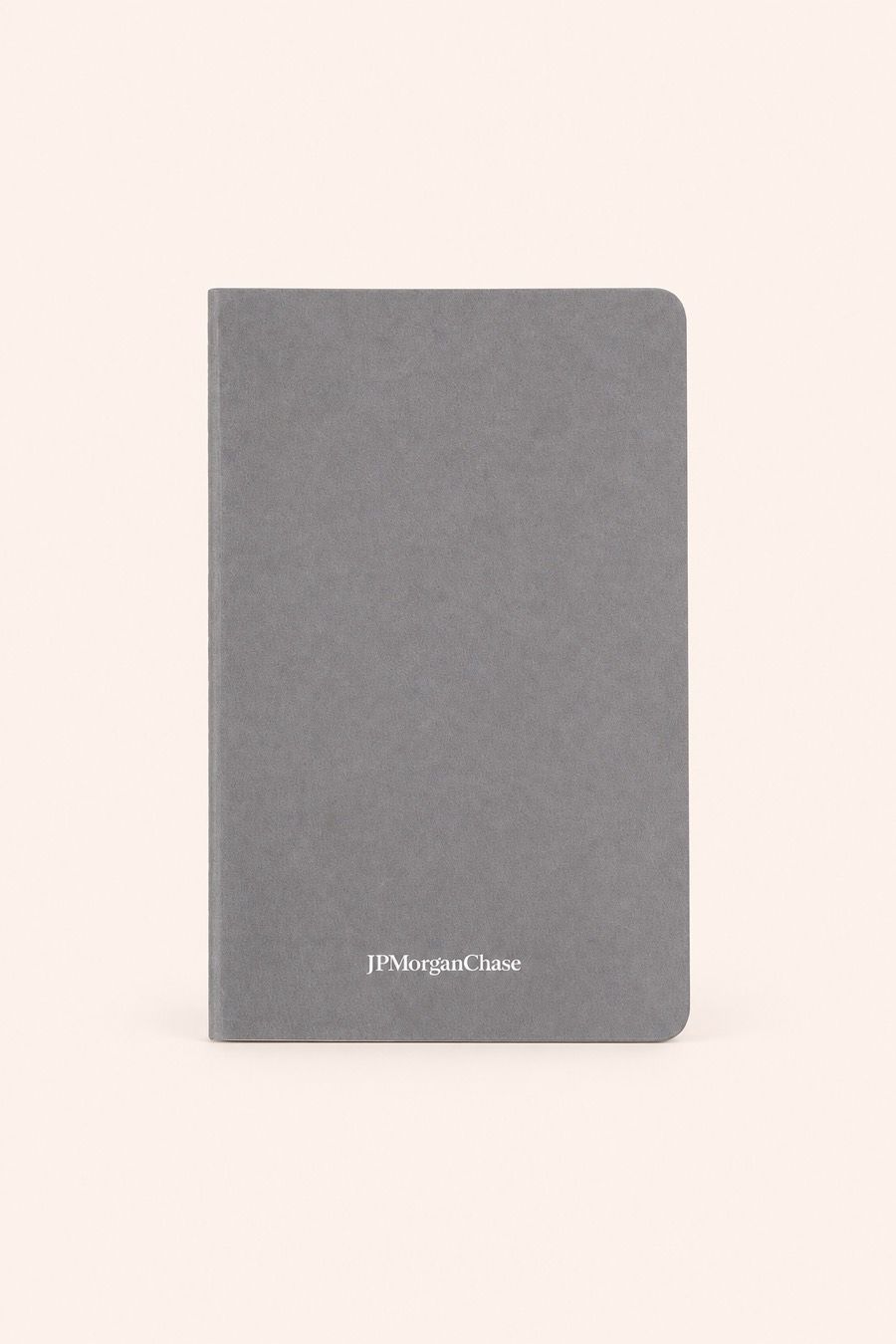
Two blanks, one piece of artwork. Each colourway is re-rendered on its
own photograph rather than recoloured.
Placeholder
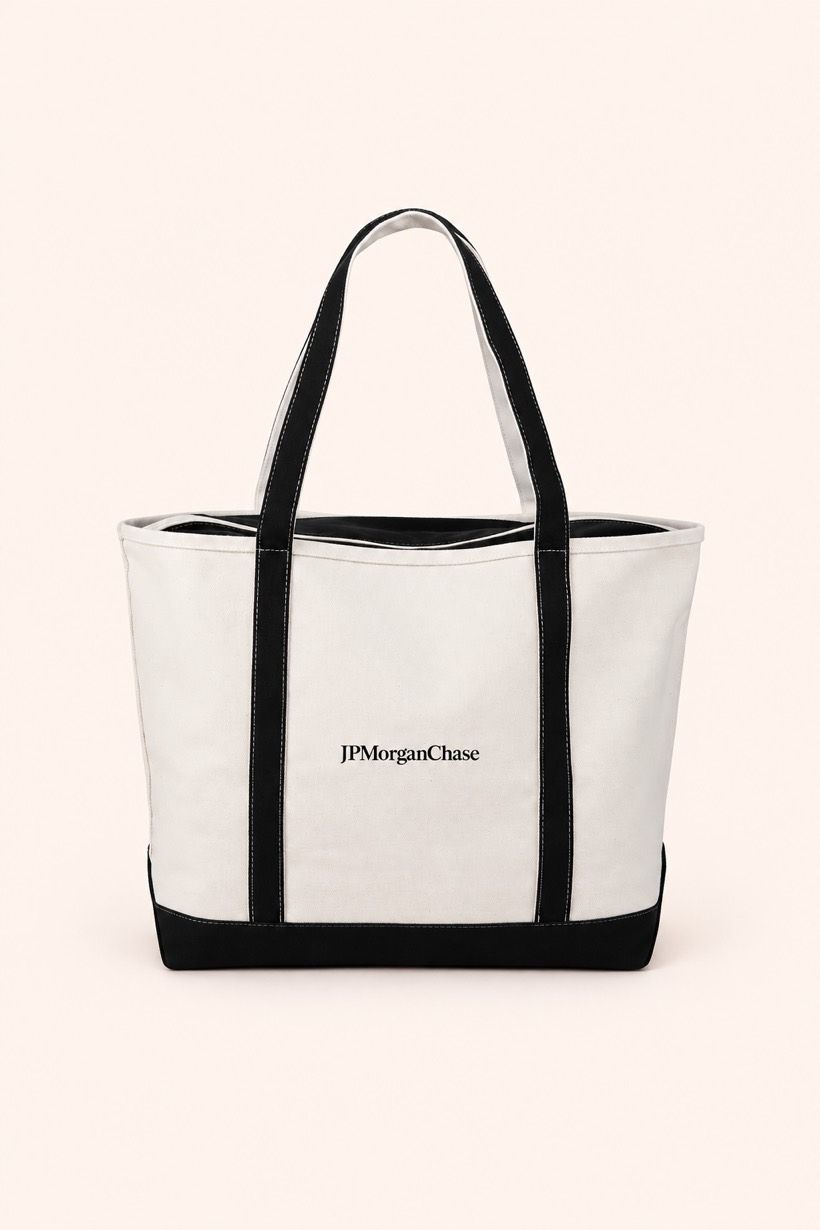
Printed on canvas. The mark sits inside the imprint area the supplier publishes for this tote, not wherever it fit.
Placeholder
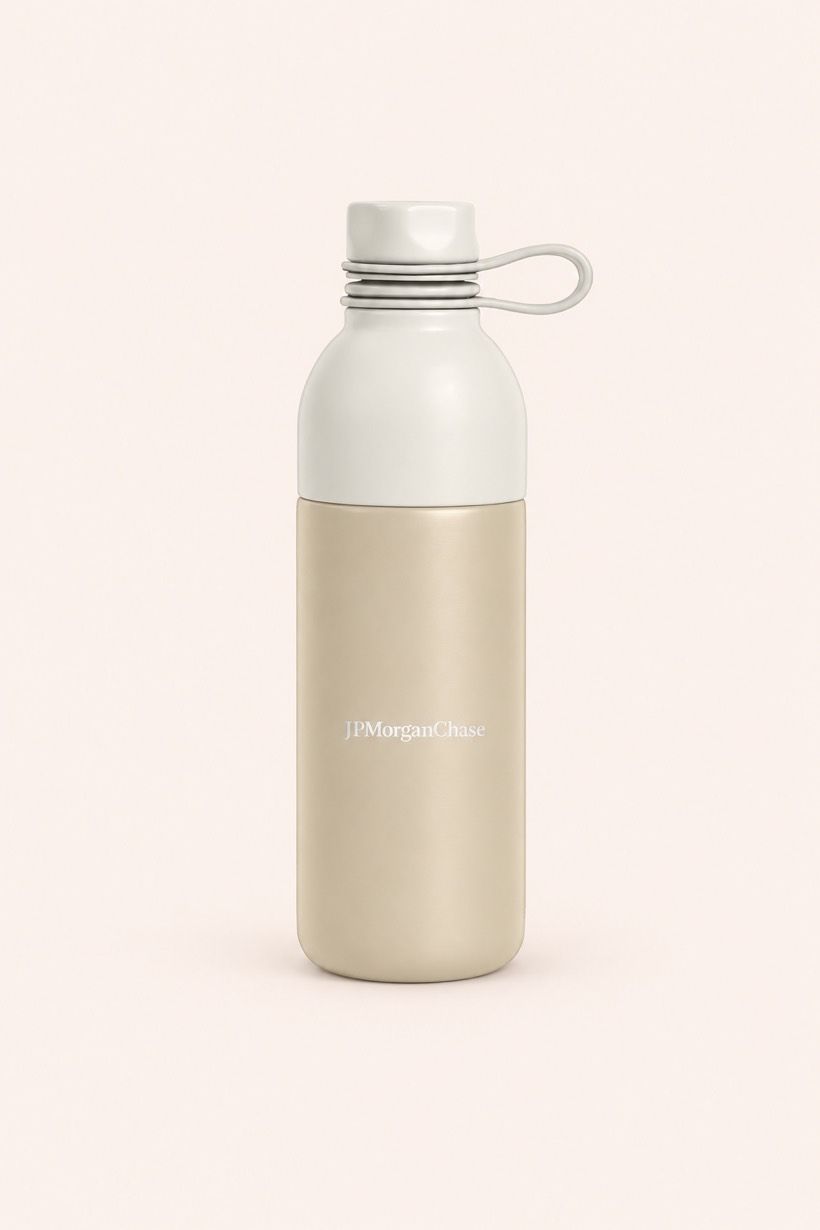
Wrapped on a curved surface. The mark follows the bottle instead of being pasted flat across it.
How it works
Three steps, and the third one is the link.
Nothing in here is a rough. Every render starts from the supplier's photograph of the blank you chose.
01
Step 1: Say it
Upload the client's artwork and pick the blank you want it on. The catalog is real supplier data — the same products, keys and imprint areas your suppliers publish — so the thing you choose is a thing you can actually order.
PNG or JPEG artwork, stored as an immutable version you can point at later
Products come from named suppliers, not from a stock-photo library
Every blank carries the imprint areas the supplier publishes for it
Placeholder
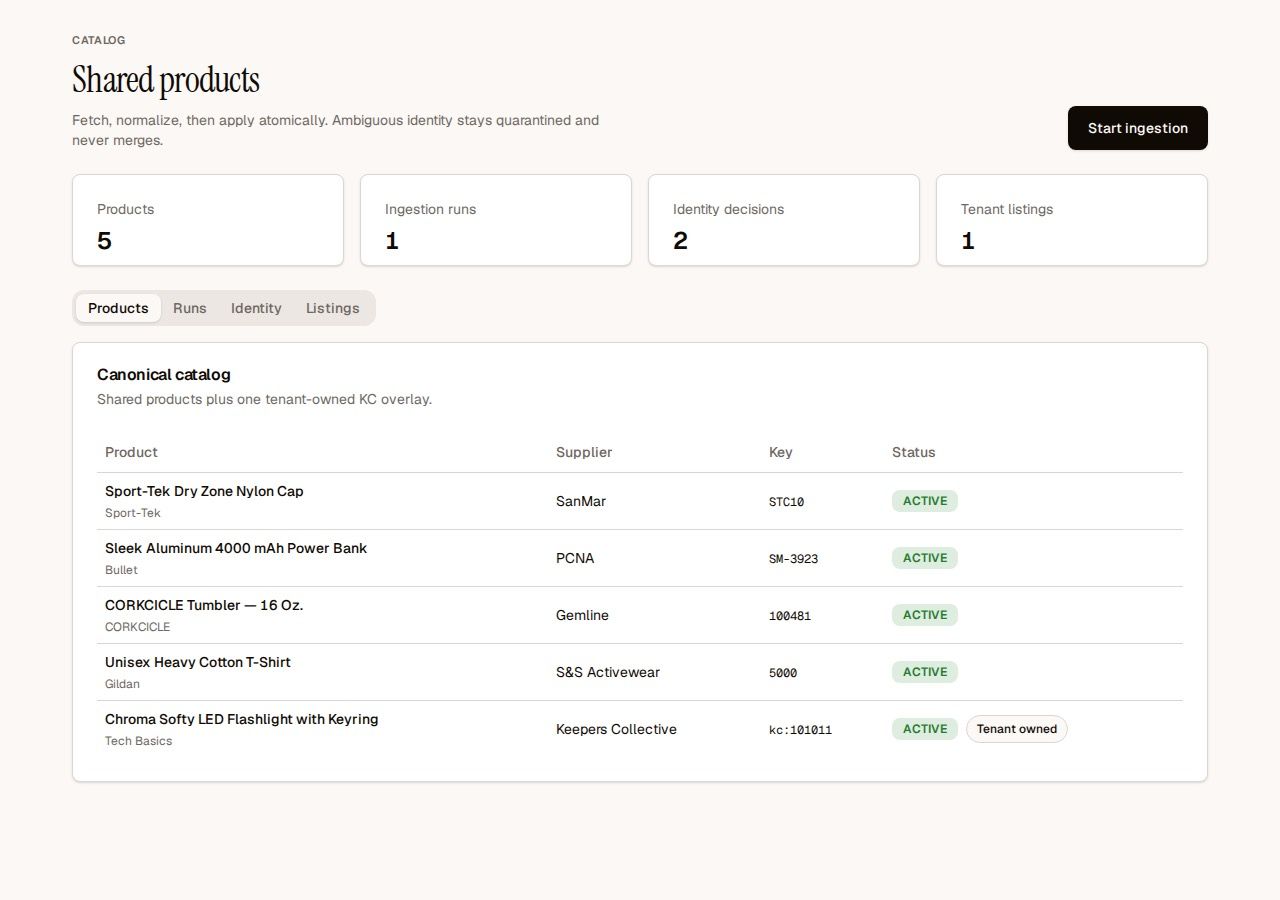
The shared catalog. Each product keeps its supplier and supplier key, so a quote can be traced back to the line it came from.
02
Step 2: Nudge it
Move the decoration, resize it, rotate it, or swap the blank for another colourway. Every change re-renders against that product's own photograph, so what you are adjusting is the mockup itself rather than a sketch of one.
Drag, resize and rotate the imprint region directly on the product
Each region records its geometry, physical size and whether a person approved it
Revisions are kept, so an approved placement survives the next change
Placeholder
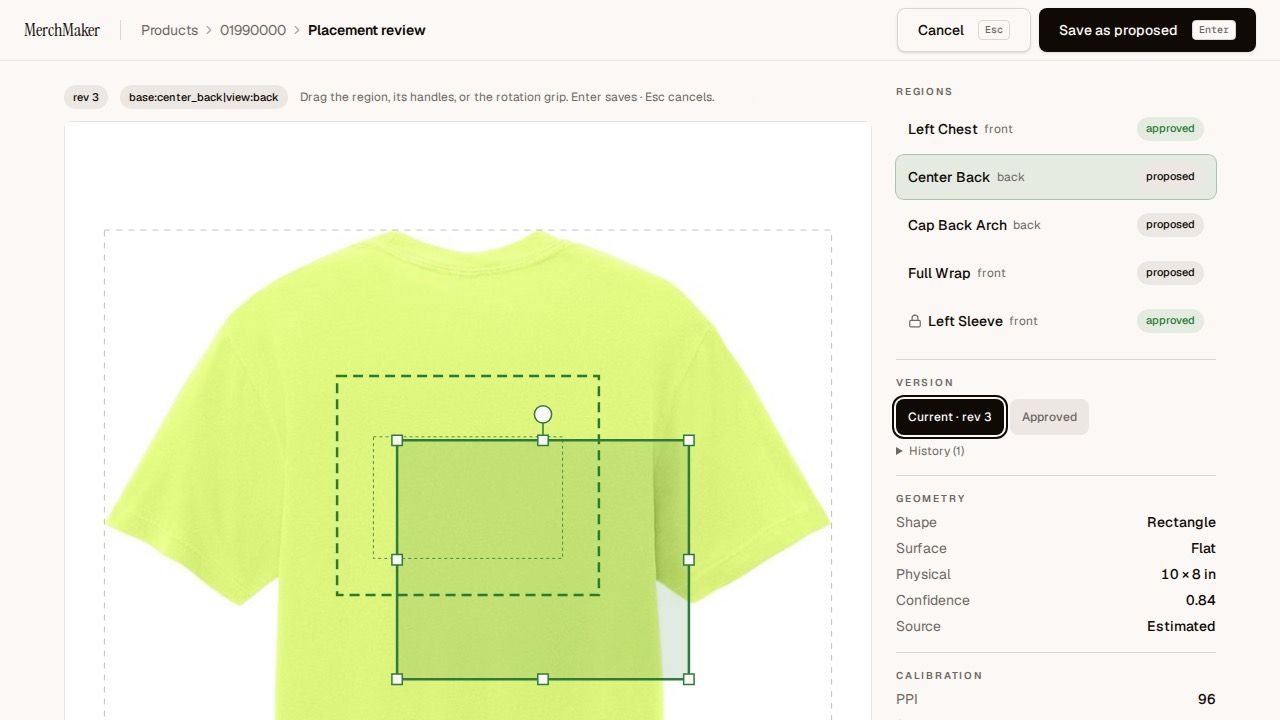
Placement review. The dashed outline is the supplier's imprint area; the solid one is where this decoration goes.
03
Step 3: Ship it or shop it
Publish the set as one link. Send it for reactions and the page collects them; open it for ordering and the same page takes card payment, with the supplier's real minimums stated before anyone pays.
One URL replaces the emailed deck and the spreadsheet of sizes
Feedback mode shows the work with no cart attached
Shop mode checks out as a guest through Stripe, shipping inside the US
Placeholder
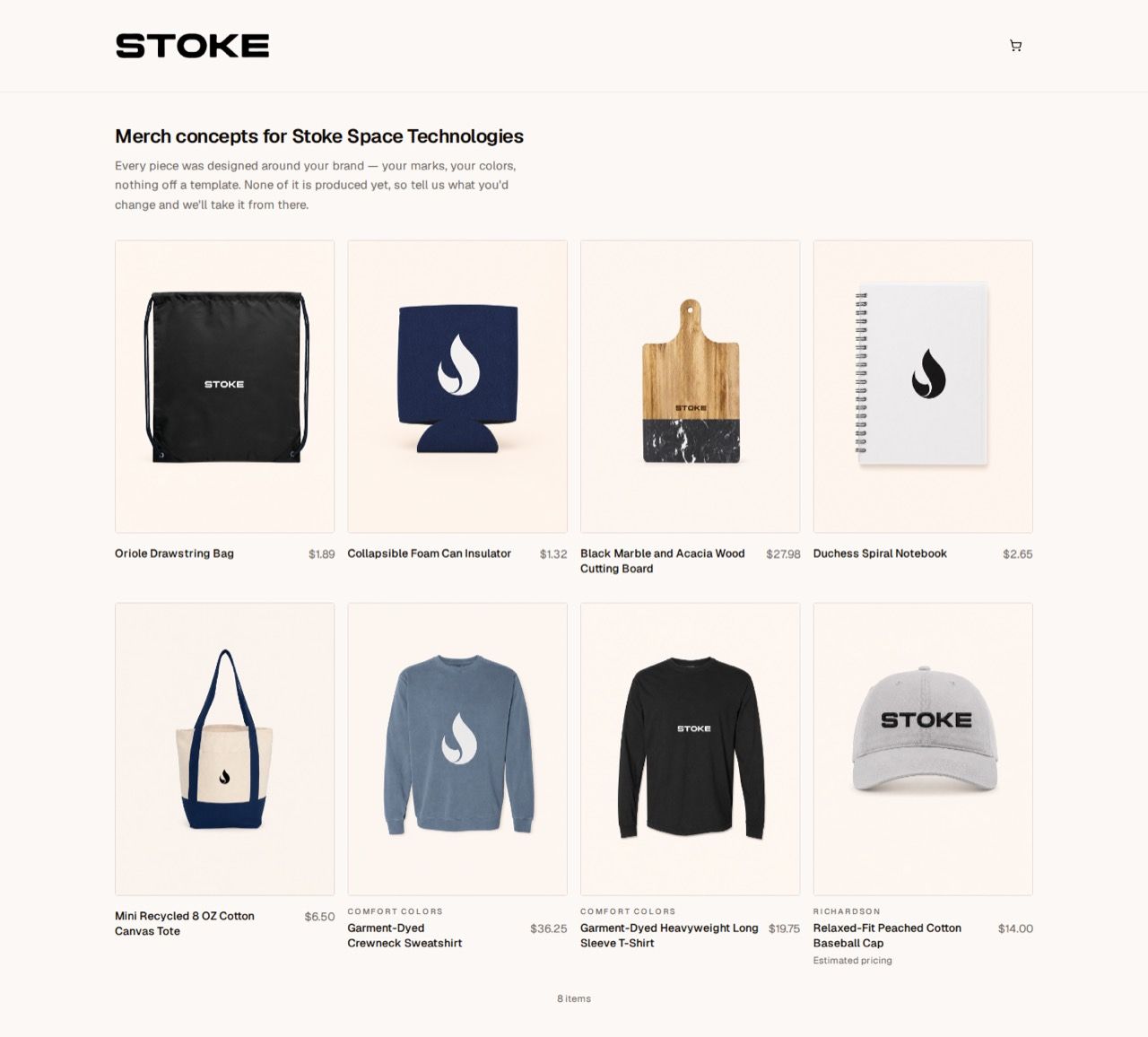
A published collection as the client opens it: every piece rendered on their brand, with prices.
Publish a set of approved mockups to a page of its own and send the URL.
Sizes, colourways and quantities are chosen on the page instead of in a
reply-all thread — and the minimums are the supplier’s real
minimums, stated in the cart before anyone pays.
Placeholder
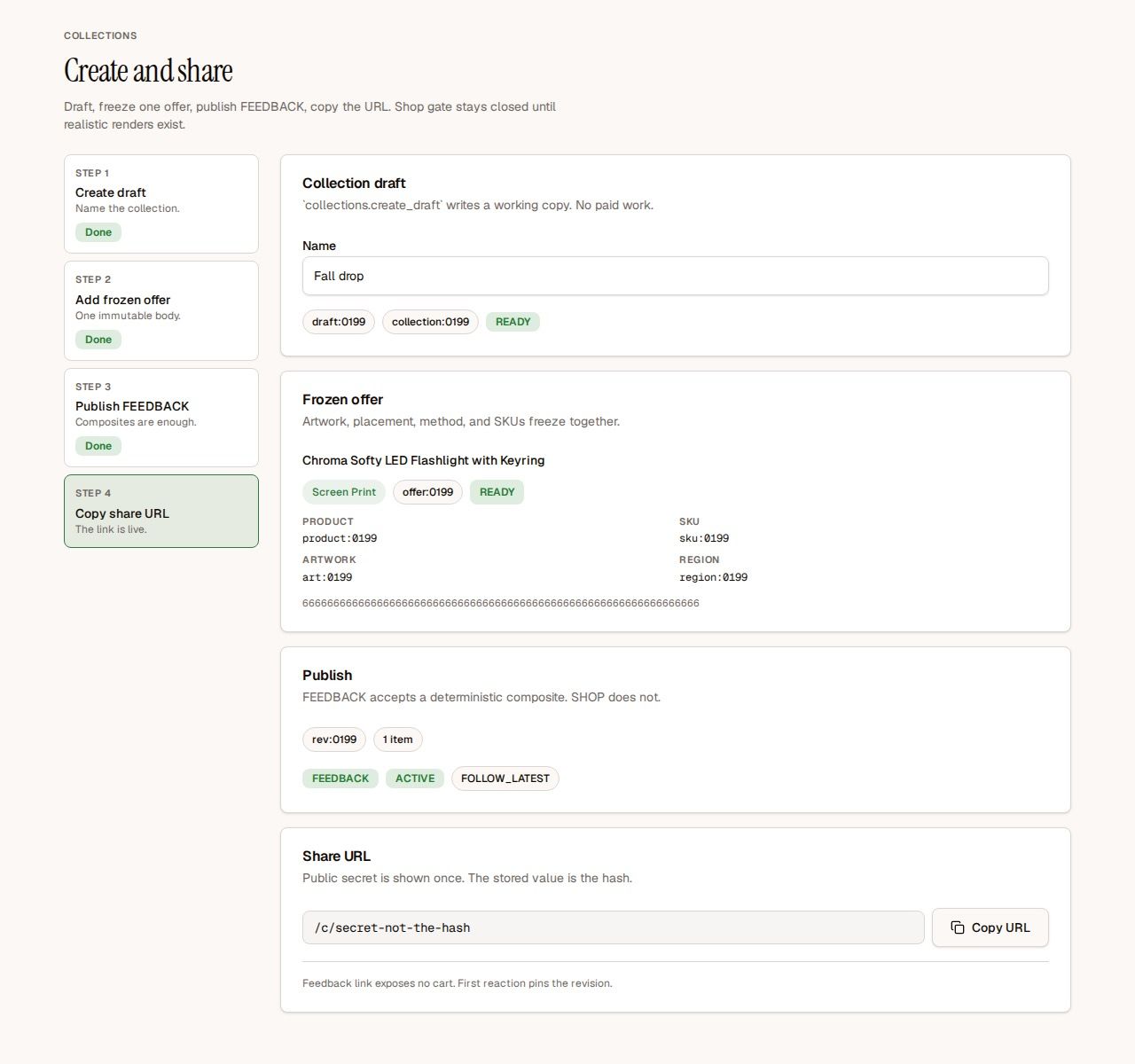
Publishing a collection: freeze what goes in it, choose whether the page collects reactions or takes orders, then copy the link.
Who it's for
Two people, one awkward moment.
Both of them are being asked what the merch will look like, and neither of them has a picture yet.
Distributors
You are quoting a client who has not seen anything yet.
Put their logo on three real products and send it back the same hour, instead of paying for a sample or describing it in an email. When they pick one, the placement you showed is the placement that goes to the decorator.
Corporate buyers
You are kitting out a team, an event or a new hire.
Approve what the merch looks like before a purchase order exists, then hand out one link and let people choose their own size. What the page shows is what the supplier can actually produce, at that supplier's minimum.
Pilot pricing
$200 per seat per month,
invoiced.
Book a call and we will size the pilot with you. Seats are what you pay for — renders, collections
and the products your suppliers already give you are not metered
separately.
MerchMaker is young and invitation-only, so here is what it does rather than who else uses it.
Real catalog, named suppliers
Products are ingested from supplier feeds and keep the supplier's own name and item key. Nothing on a mockup comes from a stock library, and a product whose identity is ambiguous is held back rather than merged into the wrong line.
Checkout your client already trusts
Shop links take card payment through Stripe as a guest, shipping inside the US. There is no account to create before someone can buy, and no card details ever reach us.
Artwork stays yours
A client's artwork is used to make that client's mockups. It is stored as an immutable version under your tenant, it is not used to train anything, and it is not shown to another tenant.
Questions
The six we get asked.
Including the one the old site used to answer wrongly.
Are there minimums?
Yes. Every product carries the minimum order quantity its supplier publishes, and the shop page states it before anyone pays rather than after. MerchMaker does not lower a supplier's minimum and does not hide it until checkout.
How realistic is a mockup, really?
Each render starts from the supplier's own photograph of that blank, and the decoration is placed inside the imprint area the supplier publishes for it. It is a design mockup, not a manufacturing proof: it is made to show a client what the piece will look like, and it is not a production approval.
What artwork can I upload?
PNG or JPEG, up to 8 MiB and 4096 pixels on a side. Vector artwork should be exported to a PNG with a transparent background first. Each upload is stored as an immutable version, so a mockup made months later uses the exact file you approved.
Can my client order from the link?
If you publish the collection as a shop. Card payment runs through Stripe as a guest checkout, shipping inside the United States, with no account for the buyer to create. If you publish it for feedback instead, the page shows the work and exposes no cart at all.
Do you handle production and shipping?
Orders placed through a shop link are routed to the supplier or the decorator who will produce them, and the order record keeps which one it went to. Sourcing and decorating stay with the people who already do them; MerchMaker is what happens before and around that.
How do I get access?
MerchMaker is invitation-only right now and there is no self-serve signup. Book a demo, and we will set up a tenant with your catalog and walk a real job through it with you.
See your logo on the product before your client asks.
Book a 20-minute demo and we will run one of your own jobs through it — your artwork, your supplier, your products.